Skip to content

See your whole year on one line.

Planhit puts every plan, deadline and milestone on a horizontal timeline you can zoom from decades down to a single day — and shows what you actually got done.

  • No account needed
  • Saved on your device
  • Sync when you choose
  • Read 12 books — Partly done
  • Half marathon — Done
  • Tax filing — Not done
  • Website redesign — Partly done
  • No-sugar challenge — Not done
  • Dentist check-up — Done
  • Product launch — Planned
  • Trip to the coast — Planned
  • Exam week — Planned
  • Mum’s birthday — Planned

Use the left and right arrow keys to move through time.

Drag the timeline to travel through time, or pick a zoom level. These are sample events, not your data.

Everything you plan, in one view

See the big picture

Zoom out to years, zoom in to the hour. The timeline runs from 1900 to 2200, and overlapping events stack into their own lanes so nothing hides.
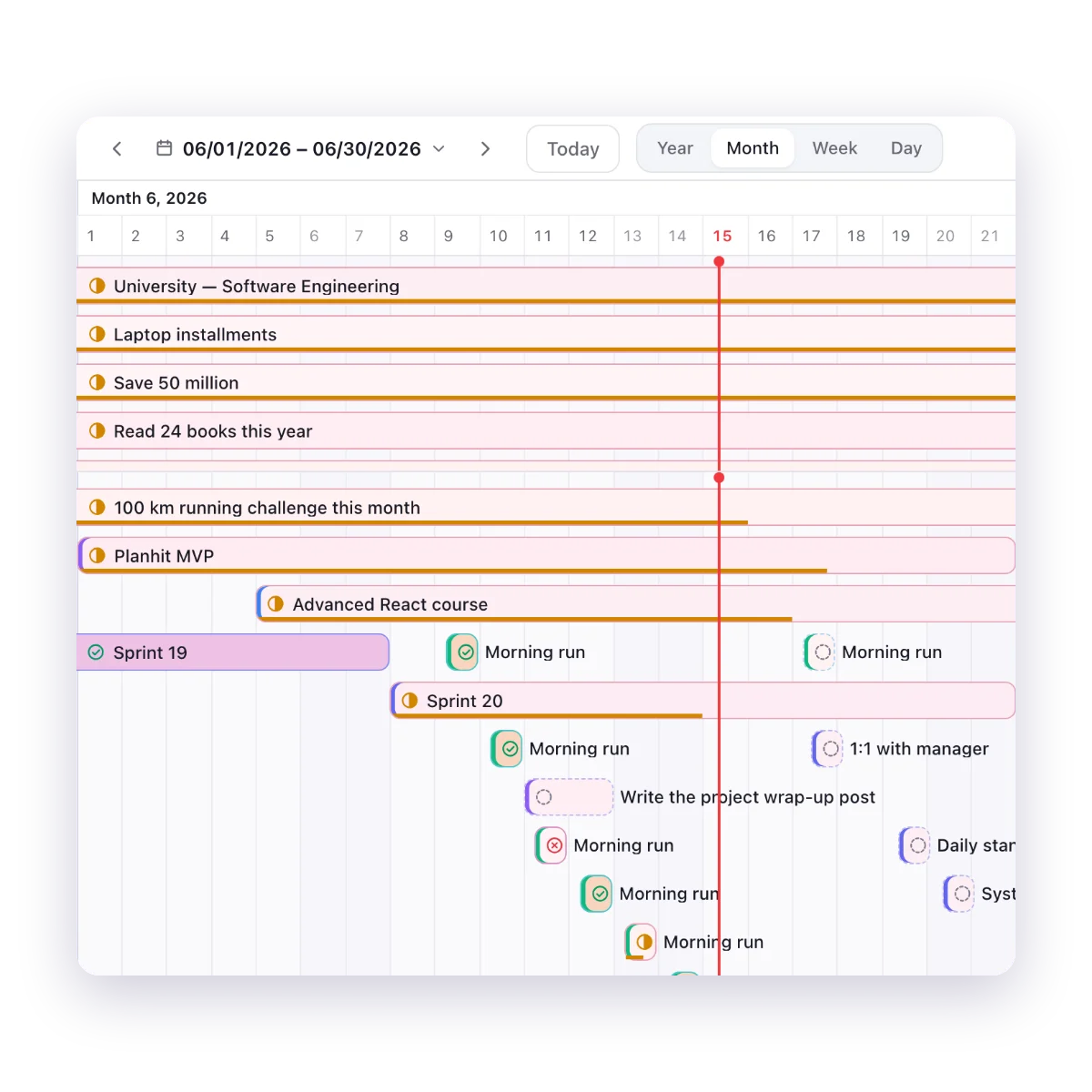
A year of events on the Planhit timeline

Track outcomes, not just dates

Mark each event done, partly done or not done, set its progress and keep dated notes. A countdown shows what is coming and how far along you are.
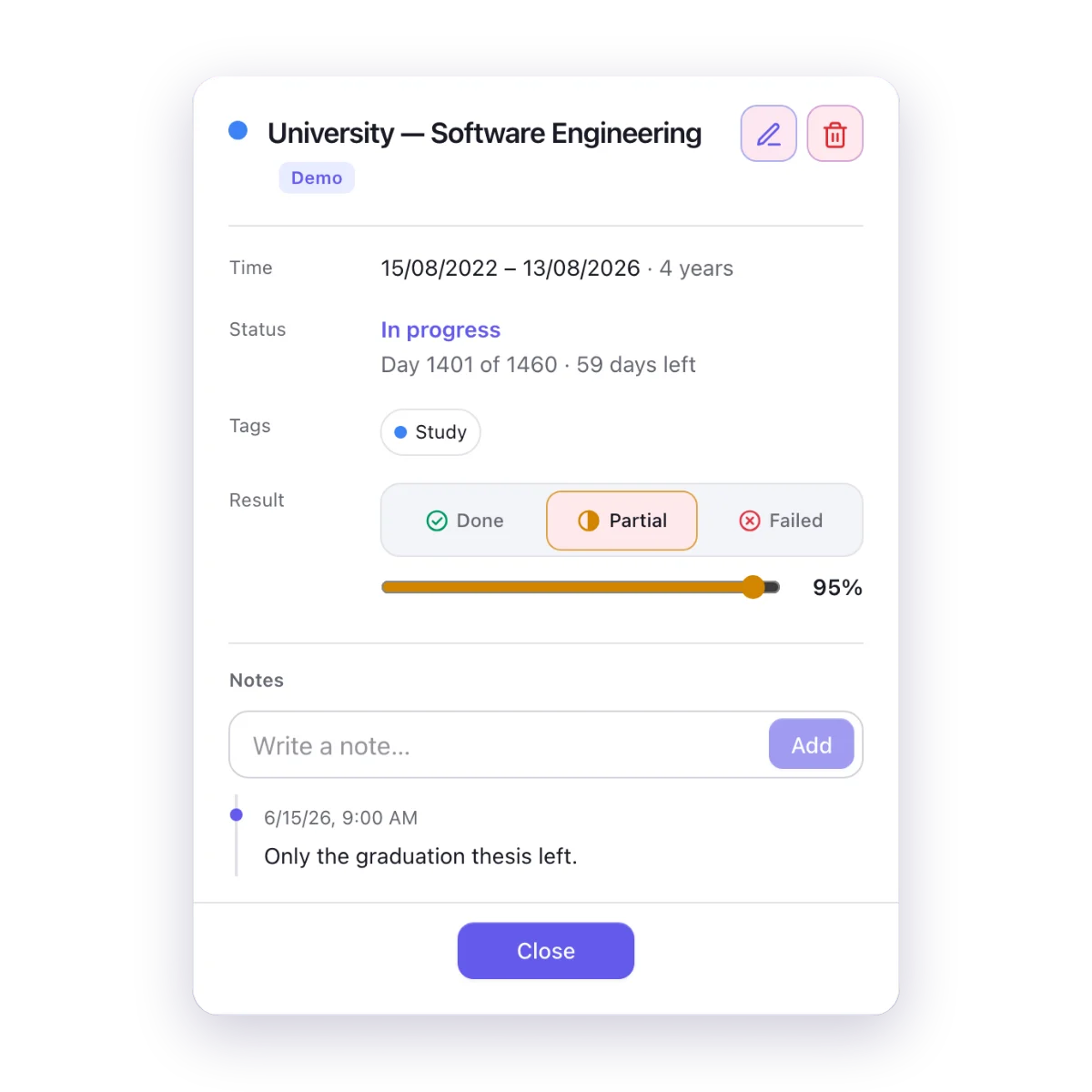
An event in Planhit with its result, progress and notes

Start in seconds, no account

Double-click the timeline or press N to add an event. Everything is saved on your device; sign in with Google only when you want it on several devices.
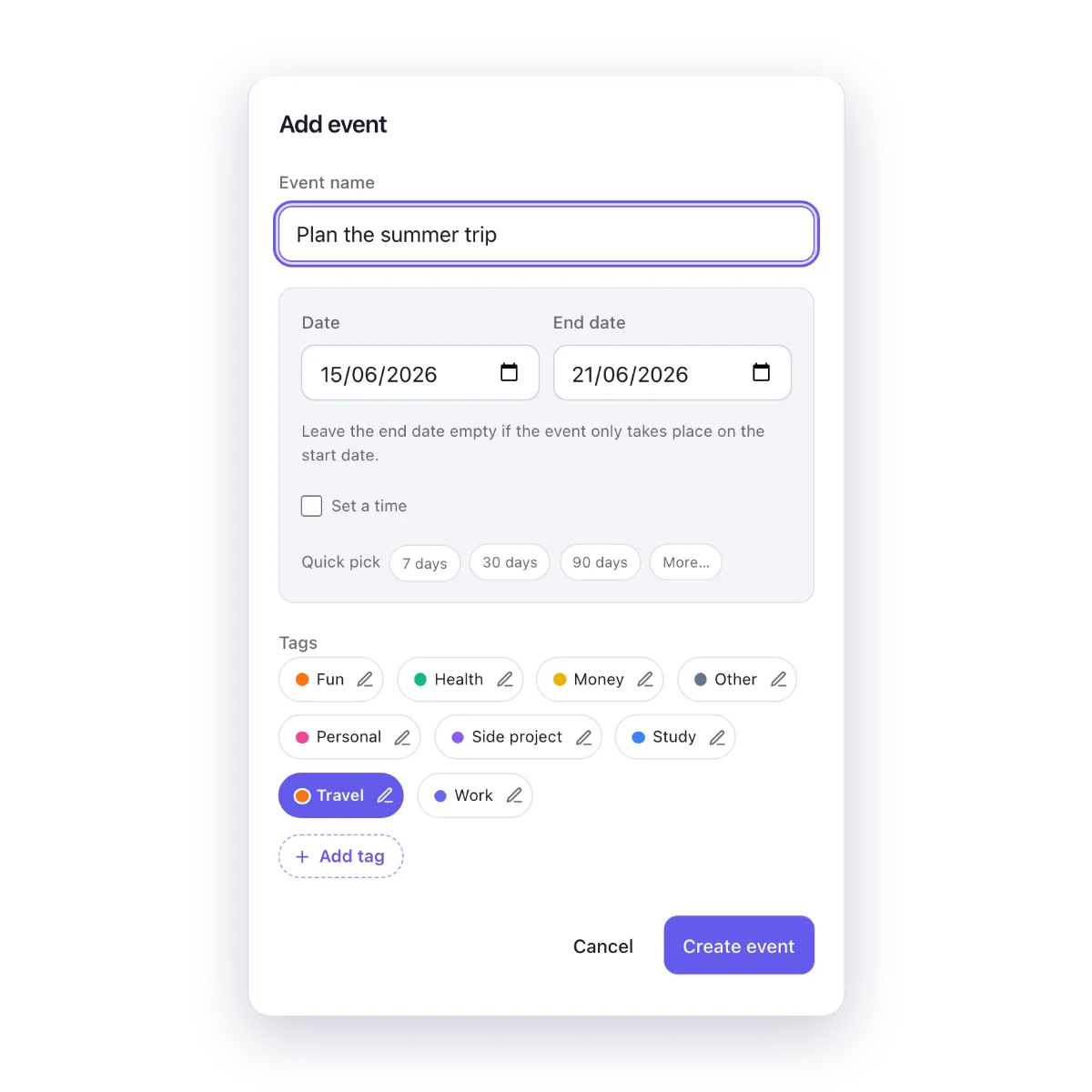
Adding a new event in Planhit

How it works

  1. Open Planhit

    It runs in your browser. Nothing to install, no sign-up.

  2. Add your events

    Double-click a spot on the timeline or press N. Give it a color and tags.

  3. Zoom and follow through

    Mark results as you go. Sign in when you want to sync.

Your data, your choice

Planhit works in two ways, and you decide which one you use.

Without an account

  • Your events stay in this browser, on this device. We never receive them.
  • Everything works offline.
  • Back up to a file from the menu now and then, and restore it whenever you need.

Signed in with Google

  • Your events are stored on our server so they are the same on all your devices.
  • Offline, you can still read your last copy for up to 30 days; changes need a connection.
  • Telegram reminders are sent from our server.
  • You can export your data at any time. Before deleting an account, Planhit offers to export it first.
  • Analytics can be turned off in the menu.
  • If you send feedback, we receive your message and the device details shown in the form, even with analytics off.

And more

  • Tags and colors
  • Search and shortcuts
  • Telegram reminders
  • Install it like an app
  • Light and dark
  • Four languages

Questions

Is Planhit free?

Yes. Planhit is completely free.

Do I need an account?

No. Open the app and start adding events. An account is only needed to sync between devices and to get Telegram reminders.

Where is my data stored?

Without an account, only in your browser on this device. Signed in, on our server, so every device you use sees the same timeline.

Can I use it on several devices?

Yes: sign in with Google on each one. The first time you sign in, Planhit offers to move the events already on that device into your account.

Put your year on one line.

Start your timelineOpen your timeline